

Crawl and exploration
Crawl tracks your party on the map. Autoexplore can generate terrain when the party enters an empty hex.
Move the party
- Open your map and select Crawl, or press C.
- Click a destination, drag the party token, or use WASD. Combine W/S with A/D for diagonal movement.
- Press C again or Escape to leave Crawl.
A/D follows a horizontal zigzag. Steps go south from even x columns and north from odd x columns. W/S overrides this direction. Hold keys to repeat movement. See keyboard controls for the complete layout.
Enter Crawl and move the party to another hex.
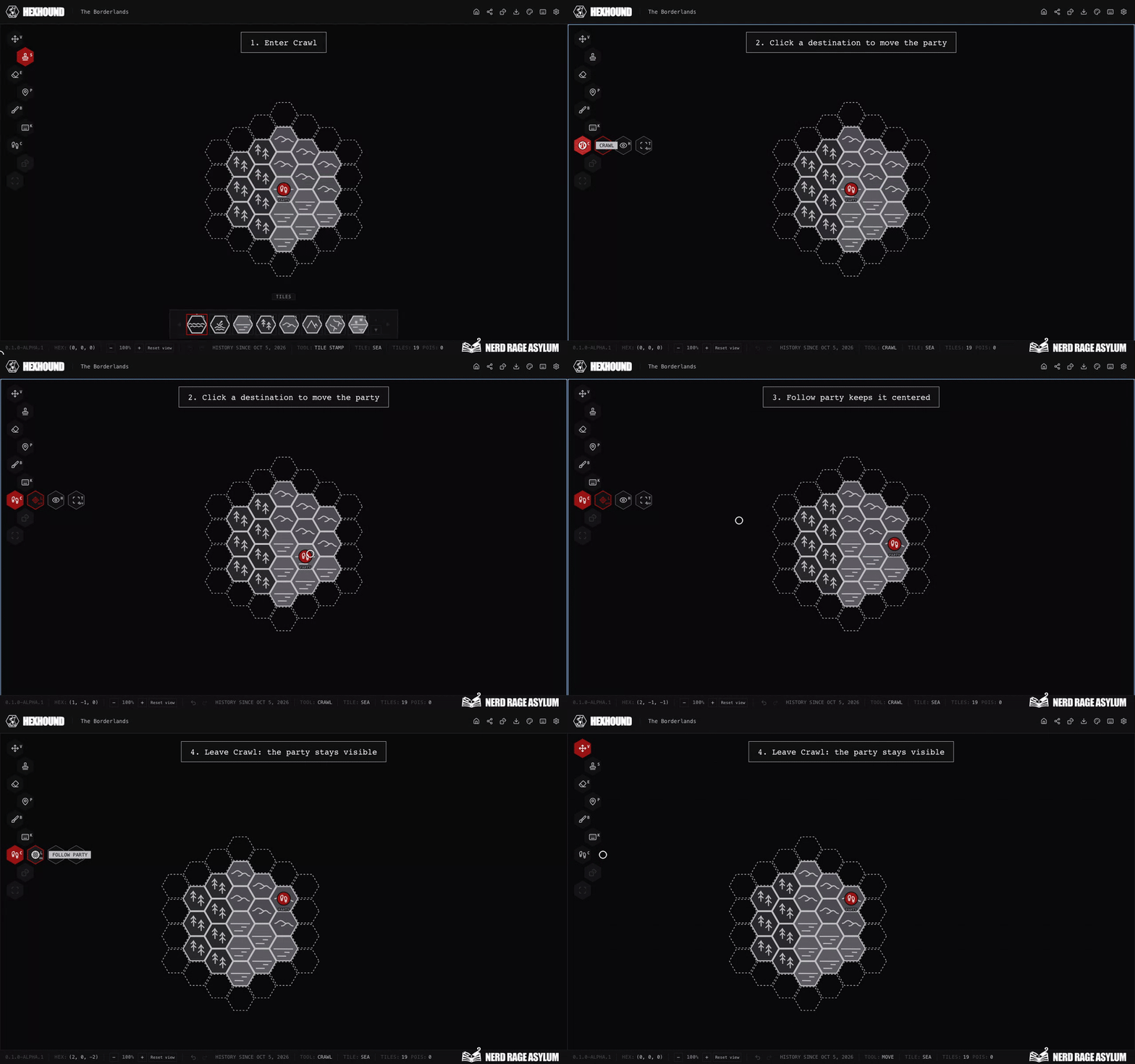
Party movement saves to the map and supports undo. It does not move the editing cursor or change existing terrain.
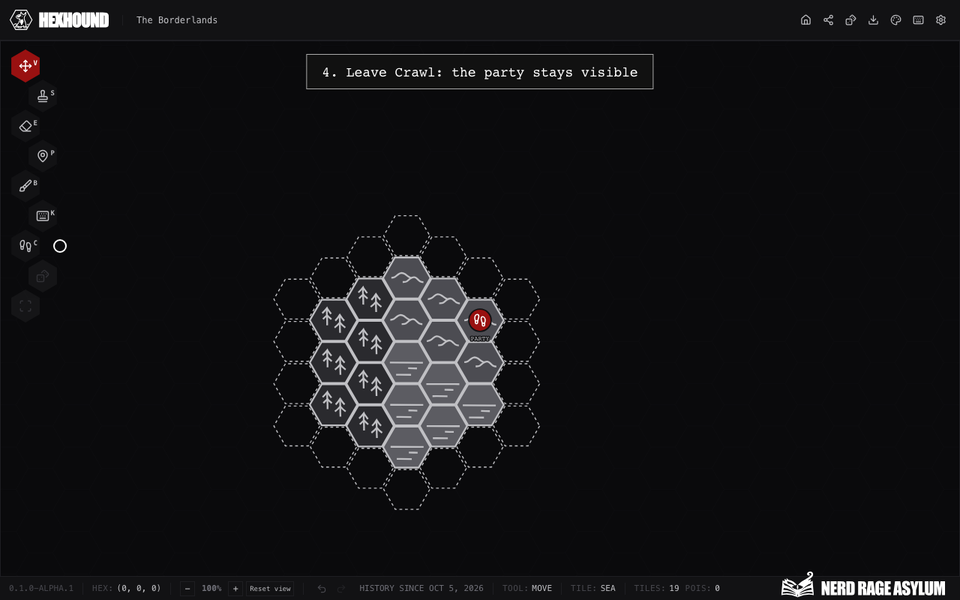
An enabled party token stays visible when you leave Crawl. You can move it only while Crawl is active.
Control the party view
- Select Follow party, or press L, to keep the party centered.
- Select Hide party token, or press H, to hide the marker. Use Show party token or H to restore it.
Panning turns Follow party off. The visibility choice saves with the map and also applies to its shared view.
Changing visibility leaves movement history unchanged. See party visibility in live sharing for player views.
Tab selects the next party option; Shift+Tab selects the previous one. Enter toggles the selected option.
Generate terrain while moving
- Enter Crawl.
- Select Autoexplore, or press Shift+X, to turn it on.
- Move into an empty hex.
- Choose source terrain if prompted. Wait for the action to save before continuing.
Autoexplore generates the destination hex and moves the party in one action. It uses the departure terrain when supported.
Moving onto existing terrain preserves it. Canceling a source choice leaves both the party and terrain unchanged.
Undo reverses the combined move and generation. Redo restores the same generated terrain.
Follow party and Autoexplore start off when you switch maps.
Reveal terrain without moving
- While in Crawl, press Z to roll terrain at an empty party position.
- Press X to fill empty hexes around the party.
- Choose a terrain source if prompted.
New Terrain and Explore preserve occupied terrain. These shortcuts act at the party immediately while Crawl is active.
Related guides
See terrain tools for mouse controls and keyboard controls for each mode.
Use saving and undo to reverse a move or resolve a save problem.