

Generate an area of terrain.
Generate terrain in rings or a rectangular grid. Use Roll and Explore for smaller additions during play.
To convert an uploaded map image, see AI map generation.
Generate terrain
- Open a map and select Generate map tiles.
- Choose a Generator Type.
- Choose Fill to preserve existing terrain, or Replace to change terrain in the area. Both keep points of interest.
- Choose Rings or Grid. Enter the Number of Rings, or the grid Width and Height.
- For the OSR generator, choose a Starting Biome or leave Random selected.
- Check the center shown above the button, then select Generate Terrain.
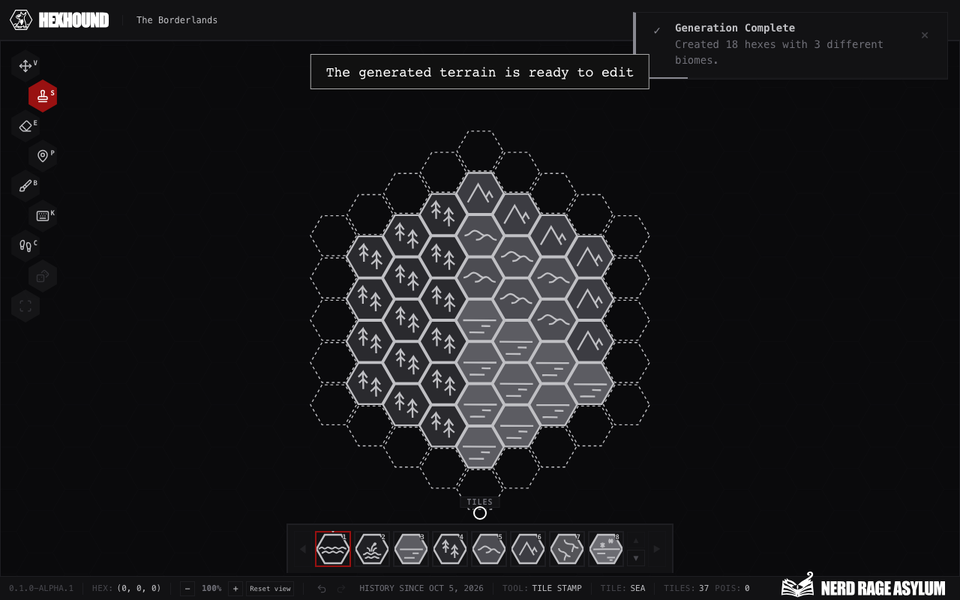
Set the number of rings and generate an area of terrain.
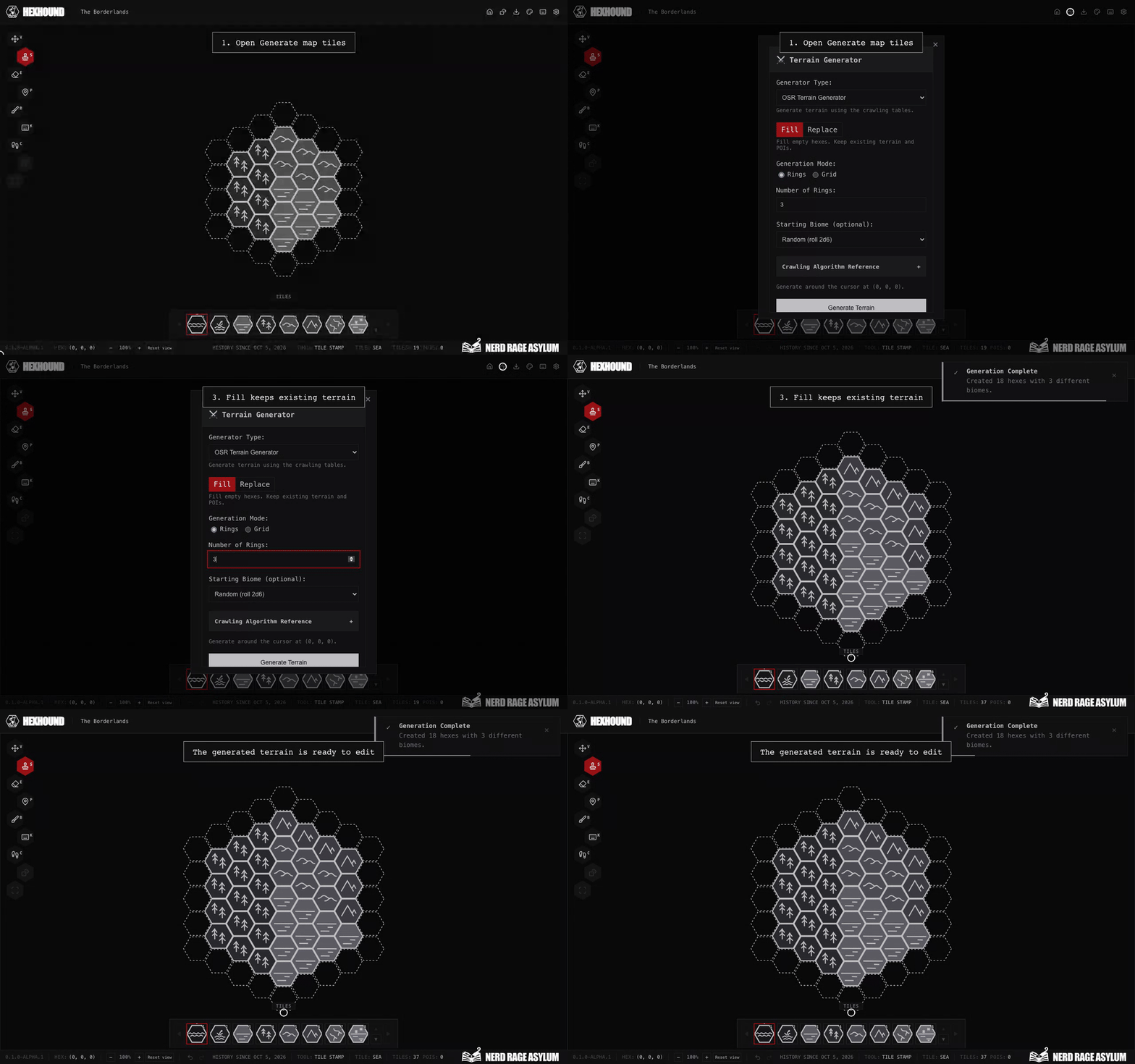
Rings accepts 1 to 10. Grid dimensions each accept 1 to 50. Your map's item allowance still applies.
The OSR starting biomes are Desert, Forest, Mountains, Plains, Sea, and Swamp.
Choose the center
Check the panel's center coordinates before generating. When opened with a cursor position, the panel uses that location.
Advanced Settings lets you enter Center Coordinates. X, Y, and Z must be whole numbers that add up to zero.
Control terrain choices
Use Crawling Algorithm lets generated neighbors influence new terrain. Turn it off to use independent terrain rolls.
Open Crawling Algorithm Reference in the panel to see its terrain table, crawling table, and terrain progression.
Enter a Dice Seed to repeat the random sequence with the same settings. Leave it blank for a random result.
If generation cannot complete
Correct any validation message in the panel. Reduce the area if it exceeds your remaining item allowance.
Check plan limits for available capacity. Use Undo if you want to reverse a completed generation.