

DOCUMENTATION / PNG EXPORT
Export your map as a PNG.
PNG export downloads the current map view. You can use it for sharing and printing.
Download an image
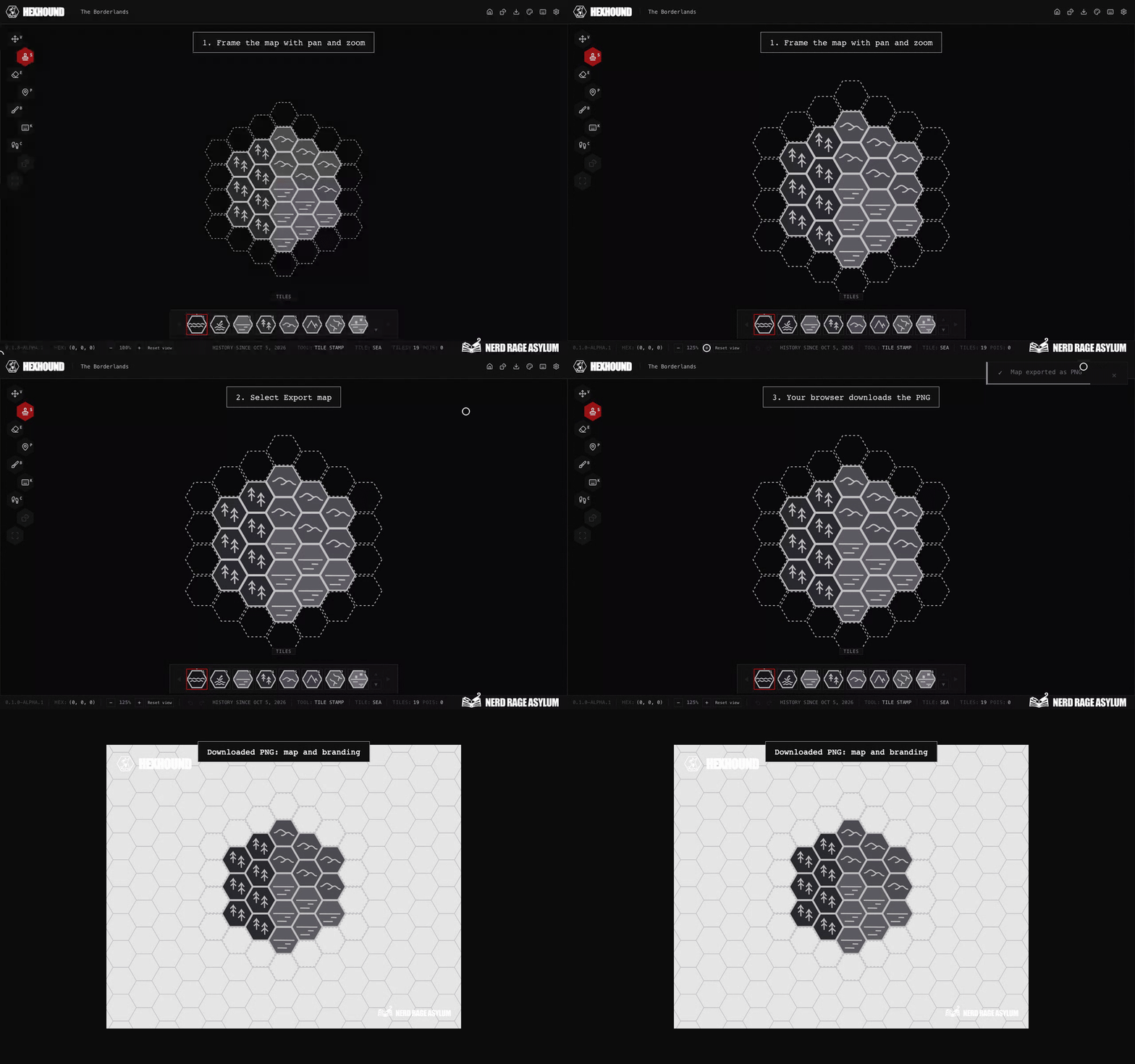
- Open your saved map in the editor.
- Pan and zoom to frame the area you want in the image.
- Use the export button in the editor’s top bar.
- Your browser downloads a PNG named after your map.
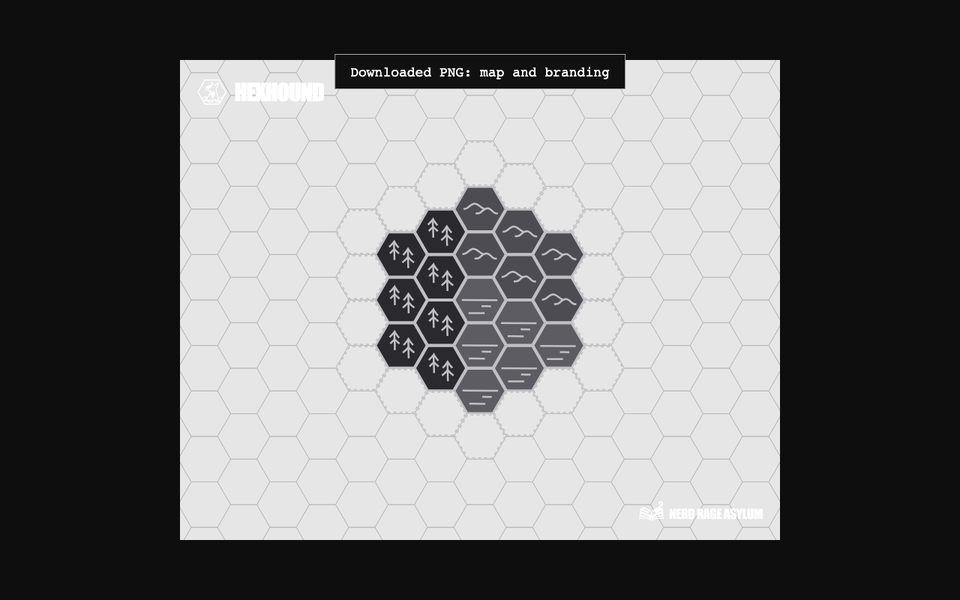
Frame the map view, select Export map, and open the downloaded PNG.
What the image includes
The export includes visible terrain, rivers, roads, bridges, geographical names, and points of interest, your map’s appearance, and the HexHound and Nerd Rage Asylum marks.
Items outside the current view are excluded. Editor controls, road and river anchors, flow arrows and the selection cursor are excluded too.
Map labels retain their currently displayed appearance. Red Toponym editing guides stay out of exports. Finish or cancel a route drag before exporting.
Image size
Image dimensions depend on the canvas size and zoom level. At the same canvas size, zooming out produces a larger image.
PNG is the available map image format. There is no DPI or resolution setting.
Export not working?
Ask in Discord. For bugs, open the feedback channel.